AtapinTelegram.
AcallfromYukti.
The Telegram + IVR flow brings Yukti to any phone. Request a session from Yukti on Telegram, pick an expert mode, and your phone rings. You talk it through on a normal voice call, and your notes come back to Telegram when you hang up.
How a session reaches you.
Scan and join.
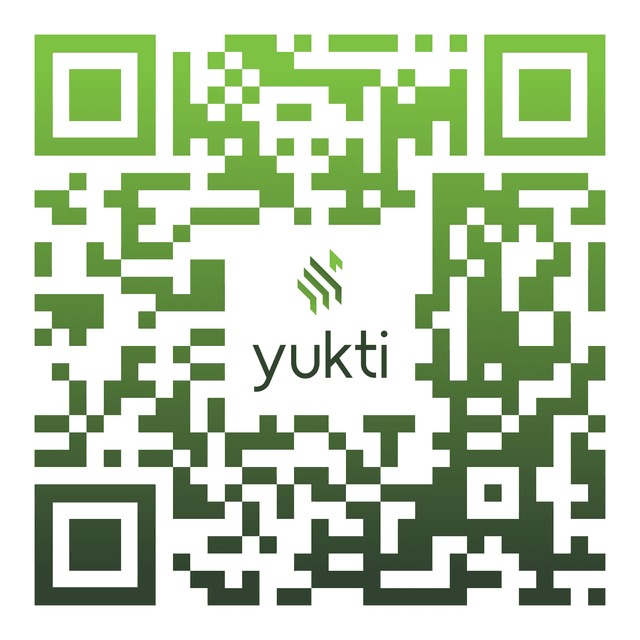
Scan the QR code or tap the link to open Yukti on Telegram. You land straight in a welcome message with a one-tap register button.
Register once.
Share your name, college email, phone number, college, department, graduating year, and the field you're aiming for. Confirm your details and you're set, no repeats after this.
Pick your session.
Choose your track, Project or Career Mentorship, then one of eight expert modes, from Project Domain Expert to Career Strategist.
Share context, or skip.
Upload your deck or resume so Yukti can reference it on the call, or skip straight through if you'd rather just talk.
Your phone rings.
Yukti calls you on a normal voice call. Any phone works, and you need no app or internet while you talk. Speak English, Tamil, Telugu, Hindi, and Kannada and switch mid-sentence.
Get your notes.
A written summary and prioritized action items land in your Telegram chat automatically, no extra step. Reply with a screenshot or link, and your next call picks up right where you left off.
Built for high accessibility.
Sessions arrive as a normal voice call. Telegram sets things up, but the call itself needs nothing extra.
English, Tamil, Telugu, Hindi, and Kannada. Yukti mirrors whichever you speak and code-mixes with you.
Every call loads your earlier summaries and pending action items, so sessions feel continuous.
Share your deck or resume before the call and Yukti references it while you talk.
Ready when you are.
Open Telegram. Pick a mode. Yukti calls you.
Your institute gives you access. Sign in with the account you received.